Team Kits · 3 min read · 5 October 2026
Team kits late, in the wrong sizes or the wrong colour? 7 ordering mistakes and how to avoid them
Late delivery, sizes that don't fit, colours that look nothing like the design. Here's why it happens and how to stop it on your next order.
If you've ever handed out new team kits and watched half the squad swap shirts because nothing fits, you're not alone. Kits that arrive the week of the first match, colours that look nothing like the design you approved, a misspelled name on the captain's back: these are the most common complaints we hear from clubs, schools and gyms that have ordered custom kit before.
Almost every one of them comes down to a handful of avoidable mistakes in how the order was placed. Here are the seven we see most, and what to do instead.
1. Ordering the full run without a size check
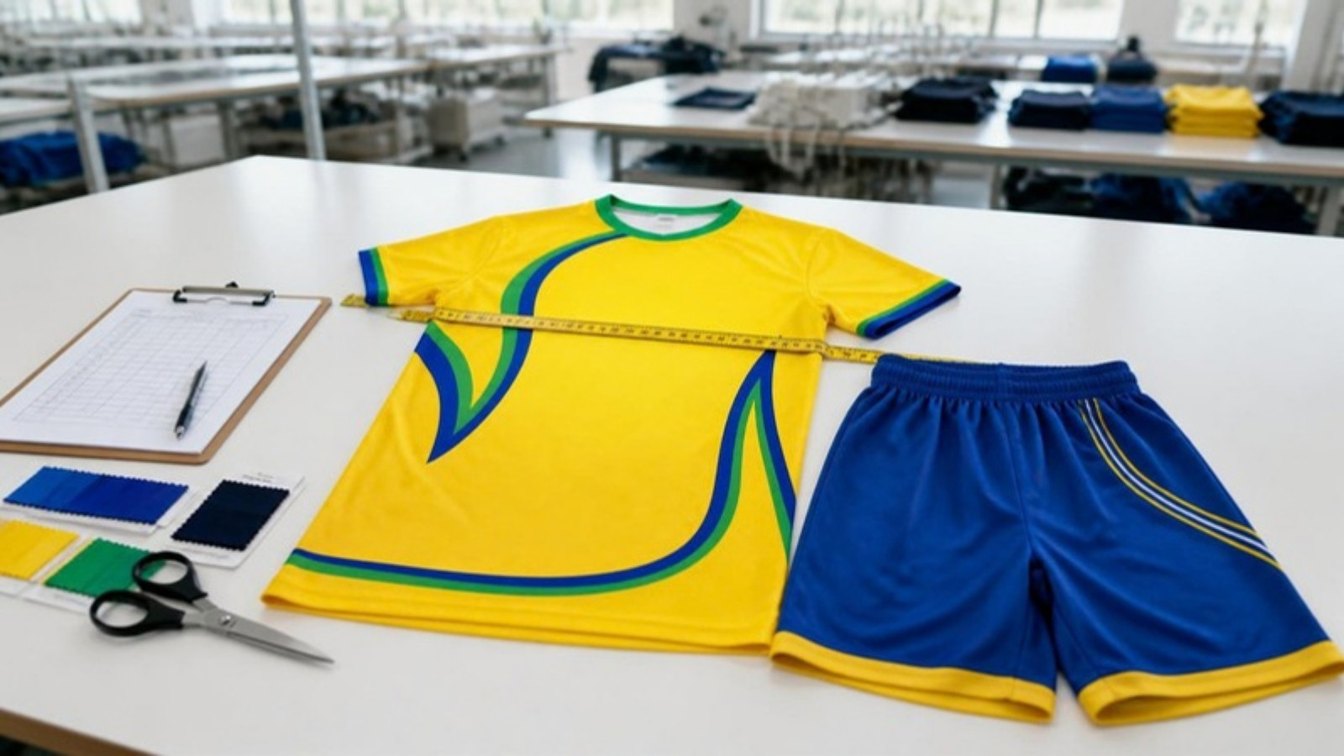
Sizing differs between manufacturers. A large from one brand can be a medium from another, so collecting sizes by asking players "what do you normally wear?" is the fastest way to end up with a box of shirts that don't fit.
- Ask for a size set or a fit sample before you confirm the full order.
- Have each player measure against the supplier's own size chart.
- Add one or two spares in the most common sizes for late sign-ups.
2. Approving colours on a screen
Every phone and laptop shows colour slightly differently, so the bright red you approved on your phone can arrive looking darker on fabric. Give your supplier colour references (Pantone codes are best) and approve a printed sample of your design, not just a mockup image.
3. Leaving the order too late
Most delays come from starting too close to the season. Design changes, sample approval, production and shipping all take time, and a single round of corrections can push you past your first match.
Work backwards from the date you need the kit in players' hands, leave room for one round of sample changes, and choose your shipping method early: air freight for samples and urgent orders, sea freight for large bulk orders.
4. Sending a low-resolution logo
A logo copied from a website or social media post usually looks blurry when it's printed large on a shirt. Send the original vector file (AI, EPS, PDF or SVG) if you have one. If you don't, a good manufacturer will redraw it for you; our in-house design team does this free.
5. Names and numbers spread across messages
Player names and numbers collected over WhatsApp, email and a team sheet lead to spelling mistakes and duplicate numbers. Put everything in one spreadsheet with four columns (name, number, size, quantity) and have the coach check it once before you send it.
6. Choosing the wrong print method
Screen-printed shirts are fine for a simple one-colour logo, but full designs with gradients, patterns and sponsor logos crack and fade after repeated washing. Sublimation dyes the design into the fabric itself, so it can't crack or peel, and unlimited colours cost the same as one.
7. Buying through a middleman
Every reseller between you and the factory adds cost, time and another chance for details to get lost. Ordering direct from the manufacturer means you talk to the people actually making your kit, and changes happen faster.
Your team kit ordering checklist
- 01Agree your deadline and work backwards from it.
- 02Send your logo as a vector file, or ask for free design help.
- 03Give colour references and approve a printed sample.
- 04Check sizes with a size set and the supplier's size chart.
- 05Send one spreadsheet with every name, number and size.
- 06Choose sublimation for multi-colour designs.
- 07Order direct from the factory and confirm shipping method up front.
UZAS Sports has made team kits in our own factory in Sialkot, Pakistan since 2005, with showrooms in Sialkot and Melbourne. There's no minimum order, samples are free and customised with your logo, design help is free, and orders of 25 pieces or more ship free.
Planning a new team kit? Send us your design, sizes and deadline and we'll come back with a free sample plan.
See team kitsCommon questions
How do I make sure the kit sizes are right?+
Ask for a size set or a fit sample before the full order, and have every player measure against the supplier's size chart rather than guessing from another brand. Ordering a couple of spare pieces in the most common sizes also covers late sign-ups.
Why do the colours on my kit look different from the design?+
Phone and laptop screens all show colour differently. Give your supplier colour references (for example Pantone codes) and approve a printed sample, not just a picture on screen.
Can I order just a few extra pieces later?+
With UZAS Sports, yes. There's no minimum order, so you can order a single replacement or a new player's kit in the same design.
- #CustomTeamKits
- #SublimatedJerseys
- #TeamUniforms
- #FootballKits
- #ClubKits
- #CustomSportswear
- #SportswearManufacturer
- #UZASSports
Related products